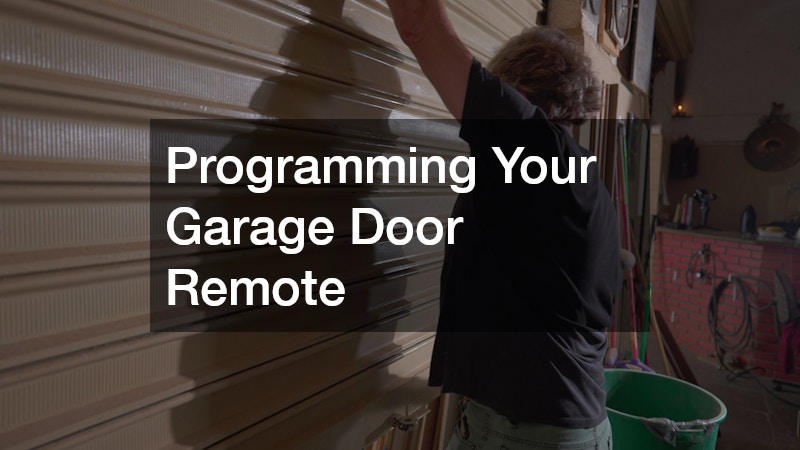

Understanding how to program a garage door remote control enhances convenience and security. This guide covers common questions and techniques for effective programming. Additionally, it provides detailed steps for troubleshooting common issues that may arise.
1. Basic Steps to Program a Garage Door Remote
1.1 Gather Necessary Tools
Programming typically requires a ladder to reach the garage door opener, a flashlight for illumination, and the user manual of the remote or opener. Having replacement batteries is also advisable. Make sure all tools are easily accessible before beginning the process.
1.2 Identify Your Garage Door Opener System
Understanding your garage door opener system is crucial. Systems can vary, including chain-driven, belt-driven, screw-driven, and Wi-Fi-equipped ones. Identification avoids trial and error during programming. This knowledge will simplify adjustments that may be necessary during the programming phase.
1.3 Follow the Programming Instructions
After gathering tools and identifying the system, follow the manufacturer’s programming instructions carefully. Typically, this involves pressing the “Learn” button on the opener followed by the designated button on the remote. It’s important to ensure the buttons are pressed gently but firmly to avoid any damage.
2. Syncing a New Remote
2.1 Find the “Learn” Button
Locating the “Learn” button is crucial for syncing. Often found on the back or side of the opener, pressing this button opens a brief pairing window. Familiarize yourself with the time window restrictions to complete syncing successfully.
2.2 Press and Hold the “Learn” Button
Press and hold the “Learn” button to activate syncing mode. Then, press the appropriate remote button to transmit a signal. Success is usually indicated by a light flash or beep from the opener. Ensure the remote is within range during this step for effective communication.
2.3 Test the Remote Operation
Test the remote by pressing the programmed button. If the door doesn’t respond, recheck button presses or the “Learn” button engagement. Consider repeating the programming steps if initial attempts are unsuccessful.
3. Troubleshooting Programming Issues
3.1 Battery Check
Check the battery status to ensure functionality. Weak batteries are common causes of programming failures. Always keep spare batteries on hand to prevent unnecessary delays.
3.2 Range and Signal Issues
Signal obstructions or interference can affect programming. Ensure a clear path and test the remote from various distances. Adjusting the antenna alignment on the garage door opener may improve reception.
3.3 Compatibility and Frequency Mismatch
Ensure remote compatibility with the opener’s frequency requirements. Mismatched frequencies prevent proper syncing. Consult the user manuals for detailed frequency specifications. Additionally, if you encounter persistent issues, consider reaching out to customer support for further assistance.
4. Programming Universal Remotes
4.1 Capabilities of Universal Remotes
Universal remotes can manage multiple devices. Verify compatibility with your garage door opener before programming. This can save time and prevent the need for multiple programming attempts.
4.2 Programming Process for Universal Remotes
Follow the universal remote’s manual for detailed programming steps, often requiring frequency alignment with the garage door opener. Confirm each step before proceeding to avoid errors.
4.3 Troubleshooting Common Issues
If programming issues arise, ensure frequency compatibility and check for signal interference. Revisiting the programming steps can resolve problems. Keep the remote’s manual handy for quick reference in resolving these issues.
5. Resetting the Garage Door Remote
5.1 Reasons to Reset
Resetting can resolve functionality issues. It re-establishes baseline settings, correcting configuration errors. Regular resets can also help maintain optimal performance. Moreover, performing a reset can clear temporary files that may be causing slow performance.
5.2 Steps to Reset the Remote
Locate and hold the “Reset” button on the remote within the battery compartment to erase existing connections and default settings. Follow the reset instructions carefully to ensure all data is cleared.
5.3 Resetting the Garage Door Opener System
If remote reset fails, a system reset of the opener may be needed. This involves clearing the opener memory, erasing all remote connections. Before resetting, note that all connected remotes will need reprogramming for future access.
Programming your garage door remote is straightforward with the correct steps and understanding of the components. This guide empowers you to effectively manage your garage door technology, ensuring both convenience and security. Always review your progress and correct any mistakes immediately to maintain a smooth operation.